
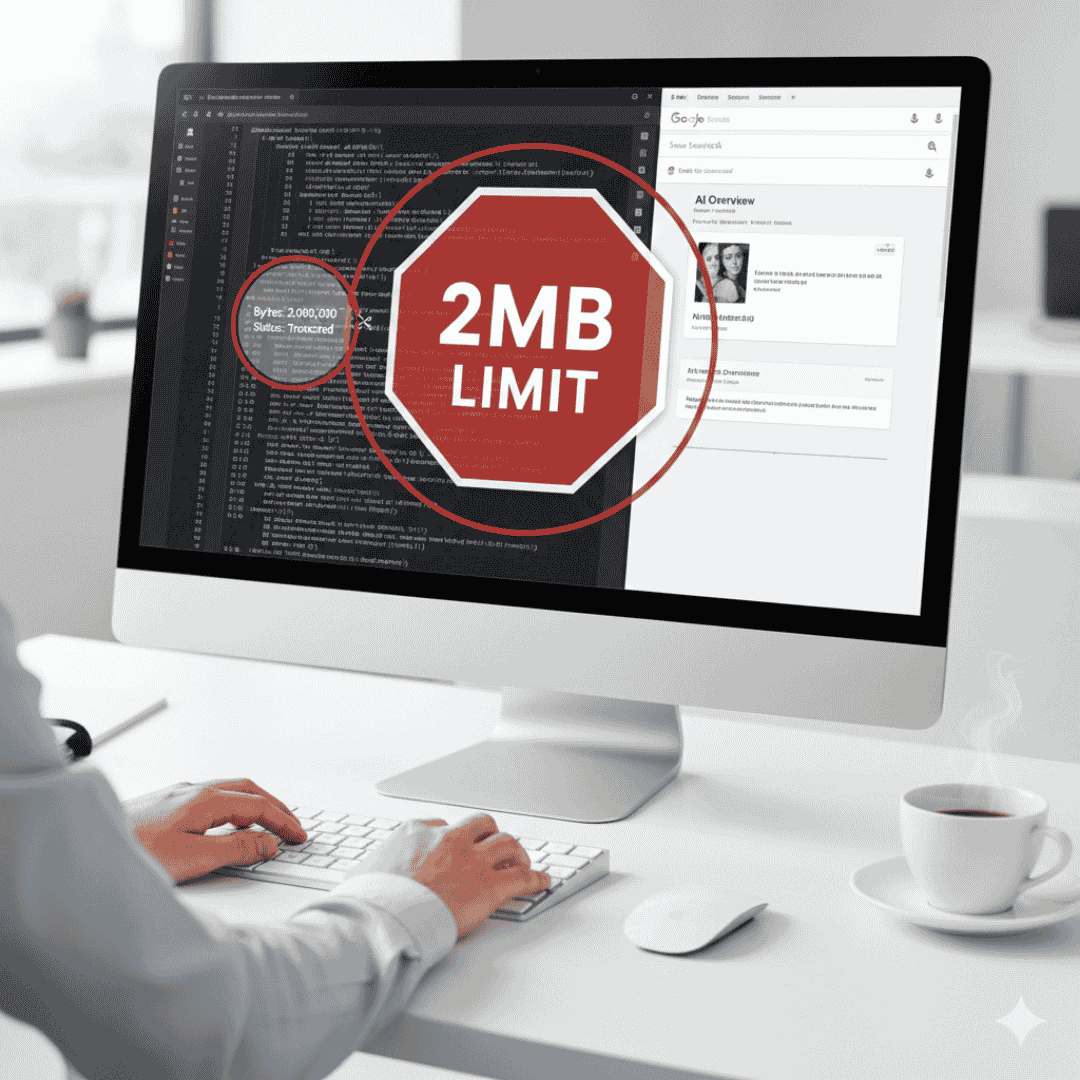
As of February 2026, Google has quietly introduced one of the most significant technical shifts in recent years: a strict 2MB indexing limit for HTML and text-based files. While your website might still “fetch” completely, what Google actually “reads” and “indexes” for search is now capped.
If your page’s source code is bloated, your most valuable content—FAQs, internal links, or even your primary call to action—could be completely invisible to search engines.
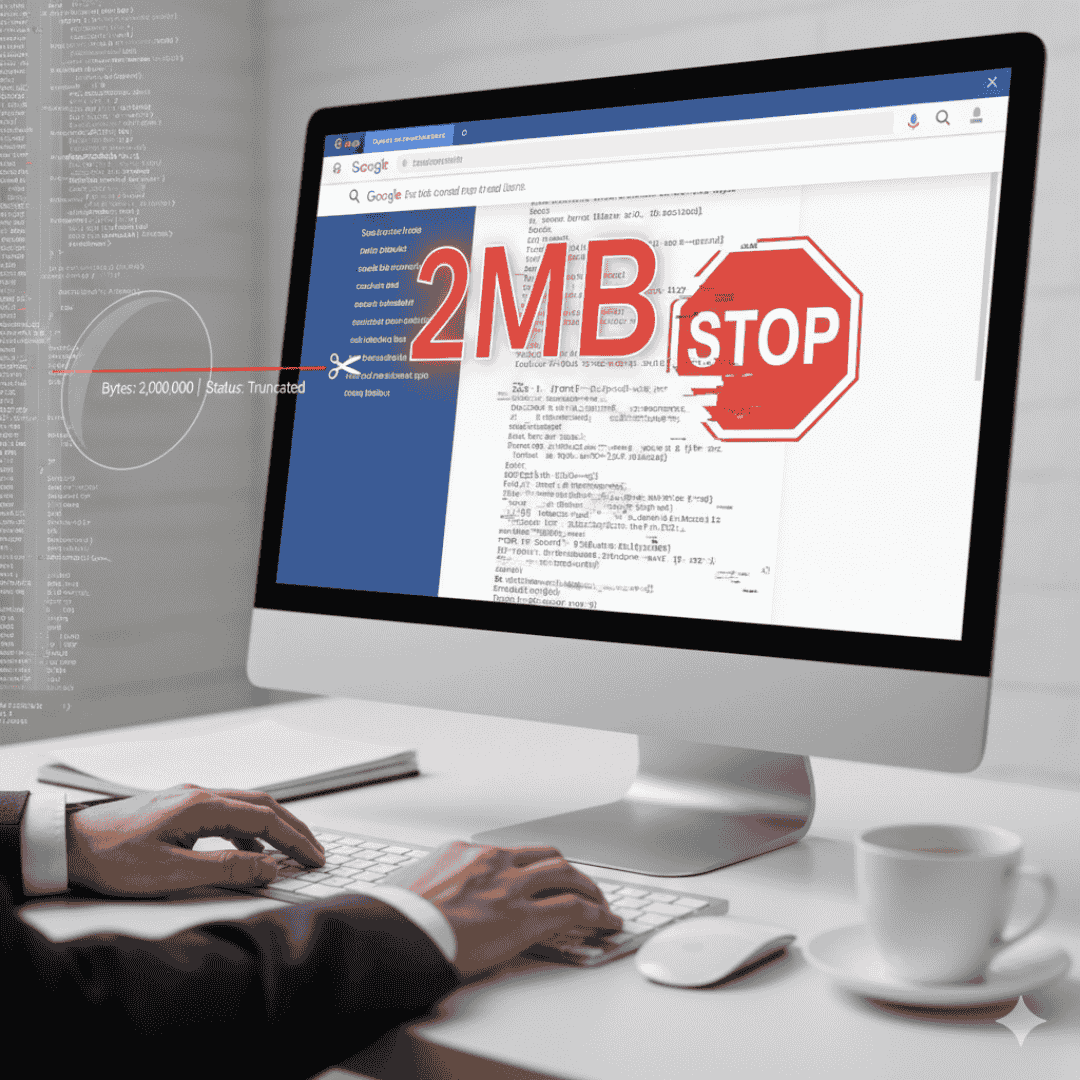
The Distinction: Fetching vs. Indexing
For years, the industry followed the “15MB Rule.” In 2026, Google clarified a massive distinction:
-
Fetching (15MB Limit): Google’s general infrastructure can download files up to 15MB.
-
Indexing (2MB Limit): When Googlebot processes a page for Google Search, it only evaluates the first 2MB of uncompressed HTML.
Anything appearing after the 2,000,000th character is truncated. This is a “silent failure”—Search Console will not send you an error message, and your page will show as “Indexed,” even if it is only partially read.
Common Reasons for Exceeding the 2MB Limit
-
Heavy Page Builders: Tools that generate thousands of lines of unnecessary code.
-
Inline CSS and JS: Large blocks of styling or tracking scripts embedded directly in the HTML.
-
Massive DOM Trees: Excessive nesting of containers and divs.
-
Large JSON-LD Blocks: Massive structured data files placed at the bottom of the page.
How to Verify Your Site in 2026
You don’t need expensive tools to check this. Follow these steps in your browser:
-
Open your website and right-click to Inspect.
-
Go to the Network Tab and refresh the page.
-
Select the main document (usually your domain name).
-
Check the Uncompressed Size. If it exceeds 1.5MB, you are in the danger zone.
FAQ: Quick Answers on the 2MB Rule
Q: Does this limit apply to my images or videos?
A: No. Images and videos are fetched separately by different crawlers (Googlebot Image/Video). The 2MB limit applies strictly to the HTML file and text-based resources like CSS and JS.
Q: Will Google tell me if my content is being cut off?
A: No. Truncation is silent. You must manually audit your page sizes to ensure your core content stays within the first 2MB of the source code.
Ideal Word Counts for 2026 Web Pages
To remain safe under the 2MB limit while providing enough value for Google’s “Selective Indexing” quality filter, follow these guidelines:
-
Standard Blog Post: 800 – 1,500 words. This provides depth without creating massive HTML files.
-
Service Pages: 600 – 1,200 words. Keep your “intent” signals (H1, intro, and links) in the top 20% of the code.
-
Enterprise/E-commerce Pages: 1,000 – 2,000 words. Be careful with massive “Faceted Navigation” or product grids that bloat the HTML.
The Goal: It is not about writing less; it is about writing cleaner.